

Multi-location local SEO becomes difficult when every branch has different staff, services, hours and market conditions. The goal is not to make dozens of nearly identical pages or Google profiles. It is to represent each genuine location accurately while keeping the overall website easy to manage.
Decide which locations deserve profiles
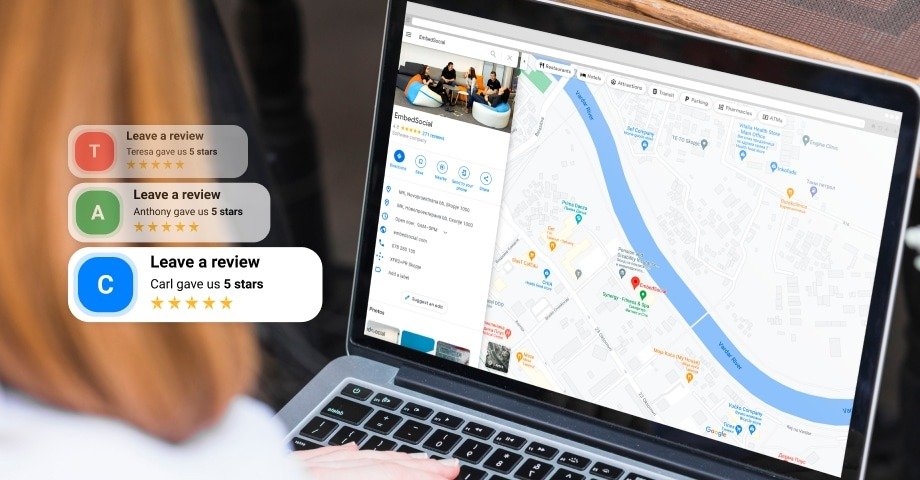
Google Business Profiles should represent eligible real-world operations. A service company may visit customers across many towns without qualifying for a separate profile in each town. Review the business model and Google’s current guidelines before setting up listings; a service-area label does not create a staffed location.
Create a consistent location-page framework
Each real branch page should present the correct name, address where relevant, contact details, opening hours, core services and a useful conversion action. Templates can standardize the layout while allowing genuinely local information such as personnel, projects, parking details or service differences.
The service-page SEO guide can help keep customer intent clear instead of turning each page into a keyword list.
Use a central source of truth
Maintain a structured record of locations, phone numbers, URLs, hours, status, Google profile links and responsible managers. When a branch moves or closes, update the central record first, then coordinate website pages, directories, tracking and profiles. Separate verified facts from promotional copy.
Strengthen internal navigation
- Provide a usable locations directory or finder.
- Link real branches to the services available there.
- Keep branch contact actions visible on mobile.
- Use breadcrumbs and descriptive navigation where helpful.
- Avoid orphan pages accessible only through an XML sitemap.
A thoughtful internal linking strategy helps users move between the corporate website, services and legitimate branches.
Avoid duplicate location content at scale
A template is not a substitute for useful information. If every page only replaces the city name while making identical claims, reassess whether each page is necessary. Where a business serves a location without a physical office, clearly explain the service area rather than presenting a fictitious address.
Measure locations as separate business units
Track relevant profile interactions, website visits and qualified leads for each branch. Check that forms and phone tracking route customers to the correct team. Rankings measured from a single central point will not reflect every neighbourhood’s search results.
Example: two real offices and a broad service area
A business has staffed locations in Ottawa and Toronto but also works in nearby communities. It may have eligible profiles and distinct pages for the two offices, while other towns are described as service areas rather than pretend branches. Each real office page should have accurate contact details and a direct route to available services. A central locations page helps visitors select the right office. This structure is easier to manage and more defensible than dozens of false map listings.
Frequently asked questions
Can I use one phone number across multiple offices?
Business arrangements vary. Whatever numbers you publish should reach the correct team and reflect real operations; ensure profiles and website routing remain accurate.
Should all office pages use the same content?
A shared layout can work, but useful branch-specific facts should differ where relevant. Avoid pages that offer no distinct value beyond a swapped city name.
DigiFly’s local SEO and Google Business Profile services can help businesses structure accurate multi-location visibility with a manageable publishing and reporting process.