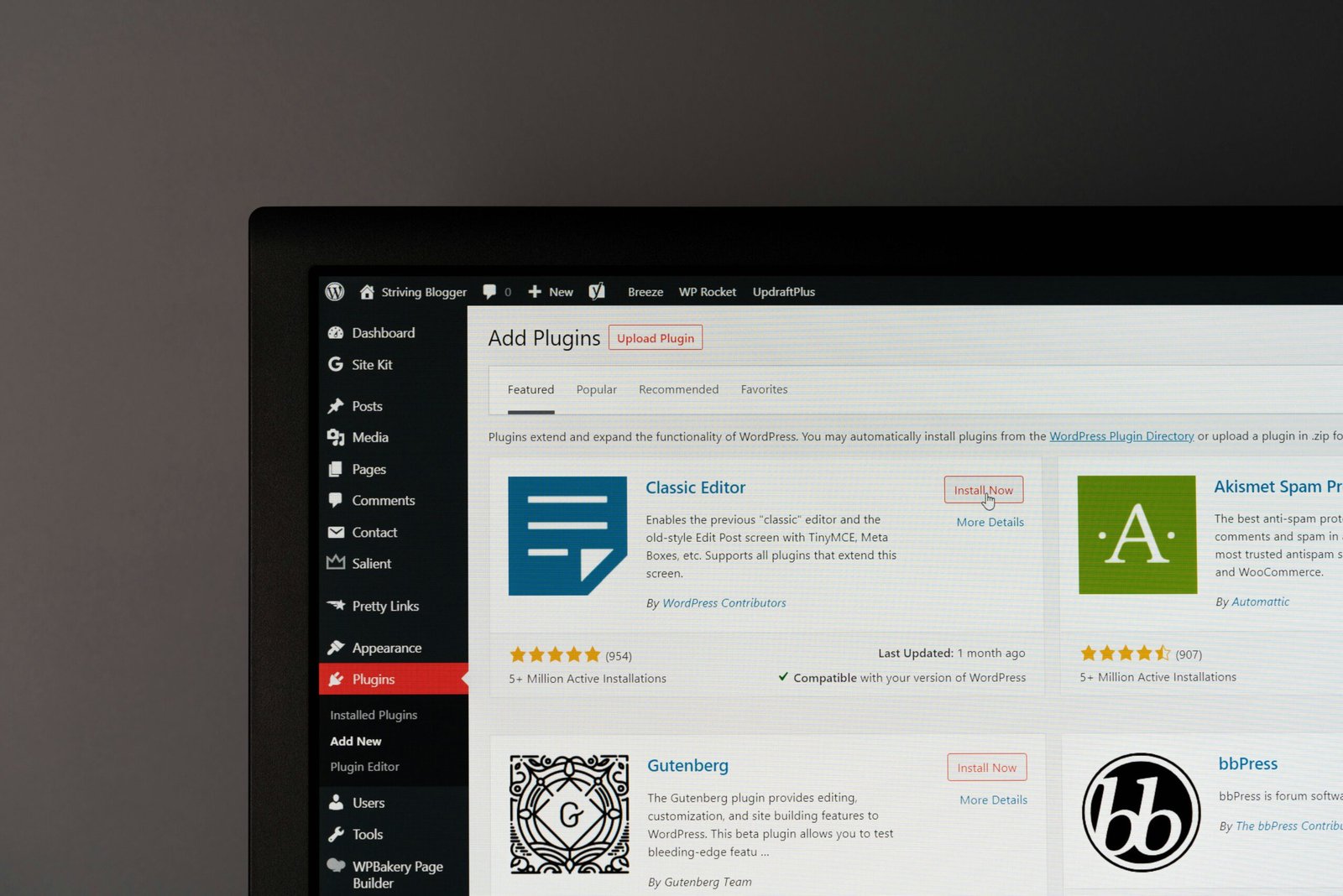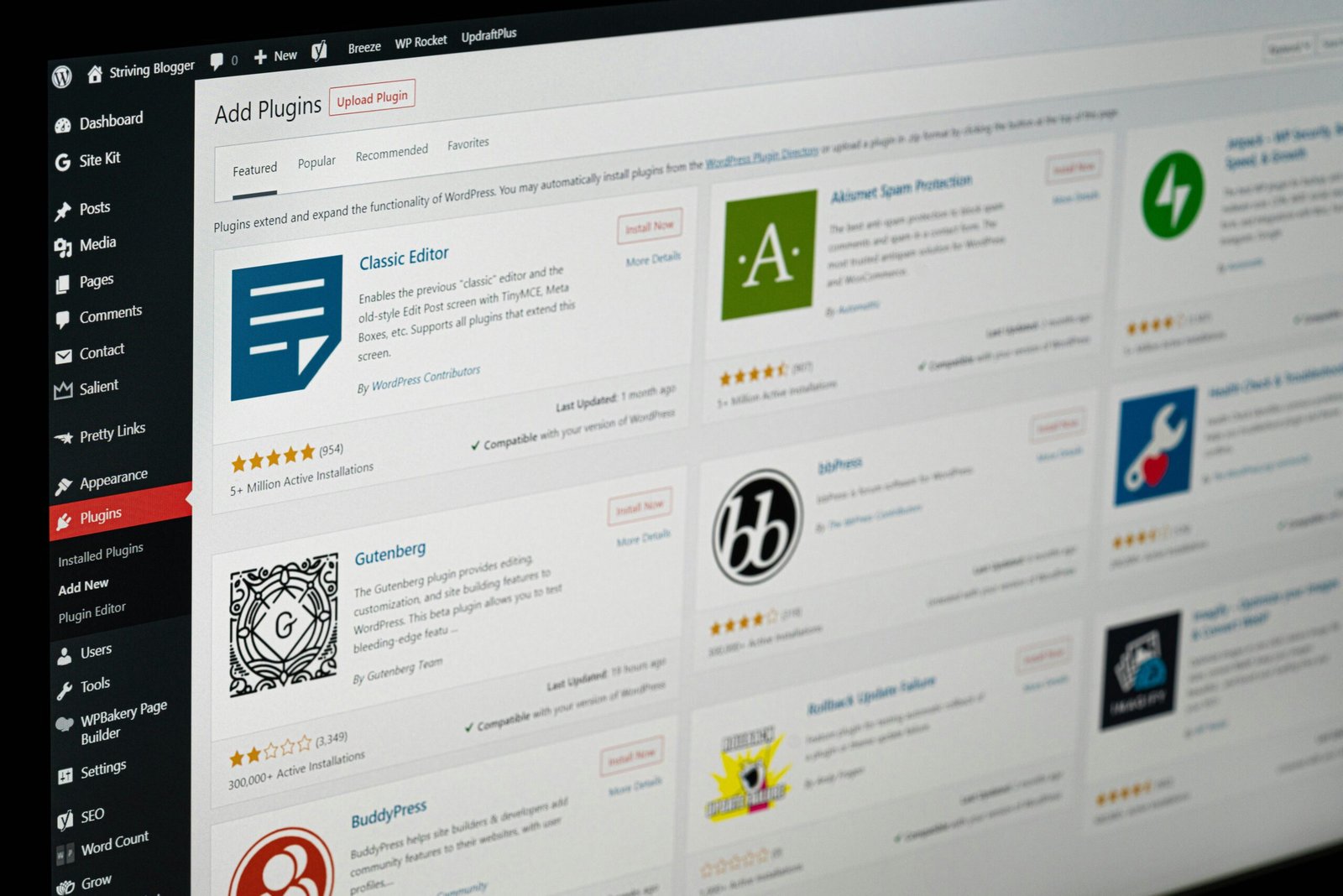


Website hosting and website maintenance solve related but different problems. Hosting provides the server environment that delivers your pages. Maintenance keeps WordPress, its plugins, forms, content and integrations functioning as the business changes. Paying for good hosting does not necessarily mean someone is testing the customer journey on your site.
What website hosting usually covers
A hosting provider supplies infrastructure: storage, bandwidth, database services, server-level security controls and the environment where WordPress runs. Depending on the plan, it may also provide SSL certificates, server backups, caching, staging or automated WordPress updates. Service levels vary significantly, so read the actual terms.
Hosting support may investigate a server outage but still decline to debug a broken Elementor layout, conflicting plugin or failed CRM integration. Those are application-level problems rather than infrastructure failures.
What a maintenance provider does beyond hosting
Maintenance includes reviewing software updates, checking critical pages after changes, managing access, confirming backups and responding when an important feature stops working. For a service company, the practical tests often include the contact form, click-to-call links, booking flow and confirmation emails.
A structured WordPress maintenance checklist makes these activities repeatable. It creates accountability beyond the vague promise that a website will be “kept updated.”
Where responsibilities can overlap
- Backups: the host may create backups; the maintenance partner should know how to verify and restore them.
- Performance: server speed matters, but oversized images and heavy plugins still require WordPress optimization.
- Security: firewalls can protect infrastructure while user access, plugin patches and form security need application-level attention.
- Uptime: monitoring may report an outage, but someone must diagnose and resolve its cause.
Write down which party handles each task. Ambiguity becomes costly during a time-sensitive problem, especially when multiple vendors assume the other team is responsible.
How to tell whether managed hosting is enough
A small static WordPress website with few changes might only need occasional application checks. A website with WooCommerce, live advertising campaigns, customer accounts or CRM integrations needs more deliberate testing. Ask the host whether their managed plan includes functional QA, plugin-conflict resolution and recovery of individual customer-facing workflows.
If the answer is no, consider a separate WordPress maintenance service. Business owners should also understand the broader security responsibilities of a WordPress website so monitoring, backups and recovery are not split into unmanaged gaps.
Use a simple ownership matrix
List hosting, domain DNS, WordPress updates, backups, restore tests, forms, analytics, third-party integrations and emergency response. Assign a primary owner and backup contact for each. Store key account access securely in the business’s own accounts rather than relying on a contractor’s personal login.
Example: a website is online but leads stop arriving
A landscaping company notices a sudden drop in quotes. The host confirms that the server is healthy and the homepage is responding normally. The real issue is a form plugin update that changed how confirmation emails are sent. The host has fulfilled its infrastructure responsibility, but the business still needs WordPress-level diagnosis, a test submission and an email-delivery fix. A written ownership matrix would have identified who should investigate immediately instead of passing the ticket between vendors.
Frequently asked questions
Does website maintenance replace hosting?
No. The WordPress application still needs a reliable server environment. Maintenance complements hosting by caring for plugins, templates, functions and site-level recovery procedures.
Should one provider handle both?
That can work when the scope clearly includes both responsibilities. The key is that backup verification, application testing and emergency repair belong to a named team and are not silently excluded.
The best arrangement is not always two separate vendors. It is the arrangement where every operational task has a clear owner, a test method and an escalation path.