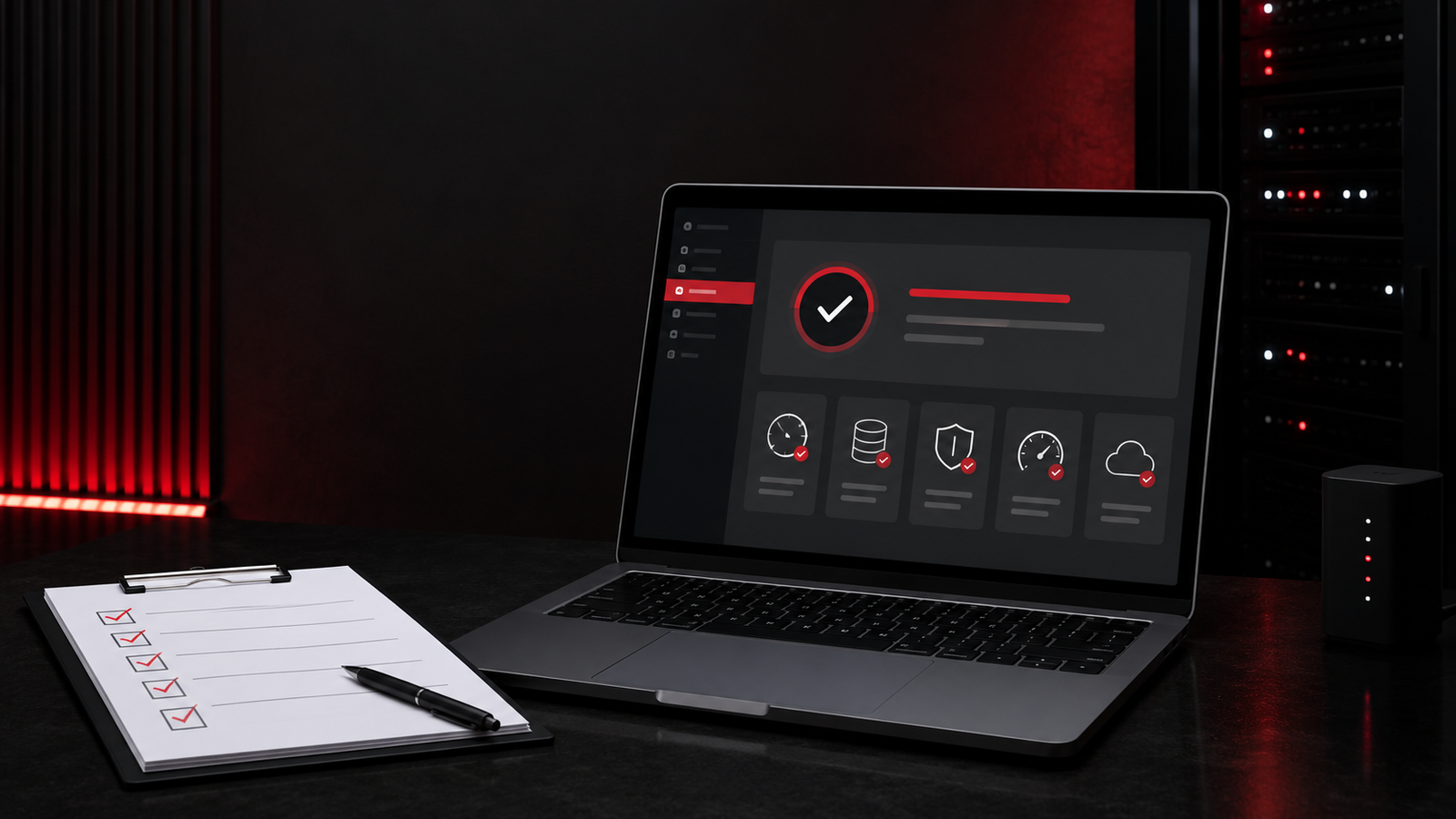


WordPress maintenance plans should do more than install updates once a month. A business website supports enquiries, bookings, calls and customer trust, so its maintenance plan should protect security, performance and functionality while providing clear support when something goes wrong.
This guide explains what a practical WordPress care plan should include and how service businesses can compare providers.
Why WordPress Maintenance Matters
WordPress itself, themes and plugins are updated regularly. Those updates can address security issues, improve compatibility or add features, but changes can also create conflicts. Without planned maintenance, small problems can become broken forms, slow pages, security incidents or lost leads.
Maintenance is therefore a business continuity service, not just a technical task.
Core Updates and Compatibility Testing
A reliable plan should cover WordPress core, active plugins and themes. Updates should be reviewed, backed up and tested rather than applied blindly. Higher-risk updates may need to be tested on a staging copy before they reach the live site.
- Scheduled WordPress core, plugin and theme updates
- Compatibility checks after major updates
- Removal of unused plugins and themes when approved
- Testing of key pages, menus and interactive features
Automated Backups and Restore Testing
A backup is useful only when it can be restored. WordPress maintenance plans should include off-site backups, an appropriate retention period and a documented restoration process. A busy ecommerce or lead-generation website may need daily backups, while a low-change brochure site may require a different schedule.
Ask where backups are stored, how many copies are retained and whether database and file backups are both included.
Security Monitoring and Hardening
No provider can promise that a website will never be attacked, but a maintenance plan should reduce avoidable risk and detect suspicious activity quickly.
- Malware and file-change monitoring
- Login protection and sensible administrator access
- Security plugin configuration
- Spam and bot protection
- SSL, user and vulnerability checks
- A defined cleanup process if an incident occurs
Security work should also include good operational practices, such as removing inactive accounts and keeping administrator access limited.
Performance and Uptime Monitoring
A slow or unavailable website can waste advertising spend and damage trust. The plan should monitor uptime and periodically review performance. Image sizes, caching, database overhead, third-party scripts and hosting limitations are common causes of gradual slowdown.
Performance work should focus on real user experience across important service and contact pages, not only a single speed-test score.
Form, Booking and Conversion Testing
Forms can appear normal while email delivery fails in the background. A strong maintenance process checks that contact forms, booking tools, phone links and other conversion paths still work.
- Submit test enquiries at agreed intervals.
- Confirm notifications reach the correct inbox.
- Check thank-you pages and analytics events.
- Review spam filtering without blocking genuine leads.
Database and Website Cleanup
Over time, WordPress can collect spam comments, revisions, expired transients and unused media. Careful cleanup can improve stability, but it should always follow a backup and should not remove information the business still needs.
SEO Health Checks
Maintenance is not the same as a full SEO campaign, but it should protect essential search settings. Providers should watch for broken links, accidental noindex tags, sitemap problems, missing metadata and major crawl errors.
For a wider monthly process, use this WordPress maintenance checklist.
Reporting and Support
A monthly report should explain work completed, issues found and recommended next steps in plain language. The plan should also state how support requests are handled, typical response times and whether small content edits are included.
What Is Usually Not Included?
Clarify exclusions before signing up. Major redesigns, custom development, new integrations, large content uploads, SEO campaigns and hosting migrations are often separate projects. Clear boundaries prevent surprise costs and help both sides plan properly.
How to Choose the Right Plan
Choose a plan based on business risk and website complexity rather than price alone. A brochure site, lead-generation site and WooCommerce store do not need identical coverage.
- How often does the website change?
- How costly would one day of downtime be?
- Does the site collect leads, bookings or payments?
- Are custom plugins or third-party integrations involved?
- How quickly is support required?
Frequently Asked Questions
How often should WordPress be maintained?
Monitoring and backups should run continuously or automatically. Updates and quality checks are commonly completed weekly or monthly depending on risk and complexity.
Does hosting replace a maintenance plan?
Managed hosting can cover infrastructure, backups and some security features, but it normally does not test forms, update content, check conversions or resolve every plugin conflict.
Can I maintain WordPress myself?
Yes, if you have a reliable process and time to test changes. Businesses often outsource maintenance when the cost of missed leads or downtime is higher than the cost of professional care.
Keep Your Website Reliable
DigiFly provides practical WordPress website maintenance for service businesses, including planned updates, backups, monitoring and support. Contact DigiFly to discuss the right level of care for your website.